Know what is due. See where it belongs.
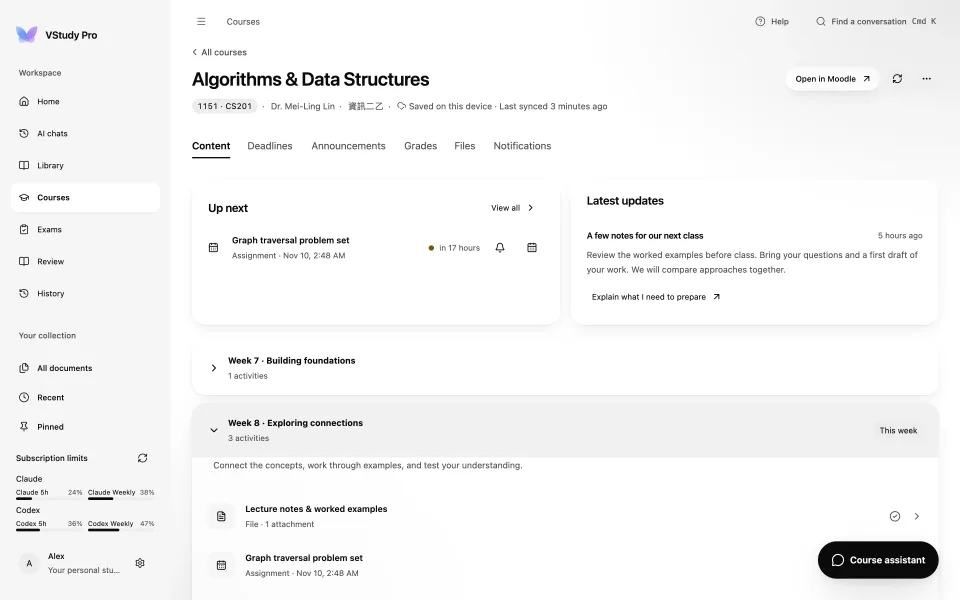
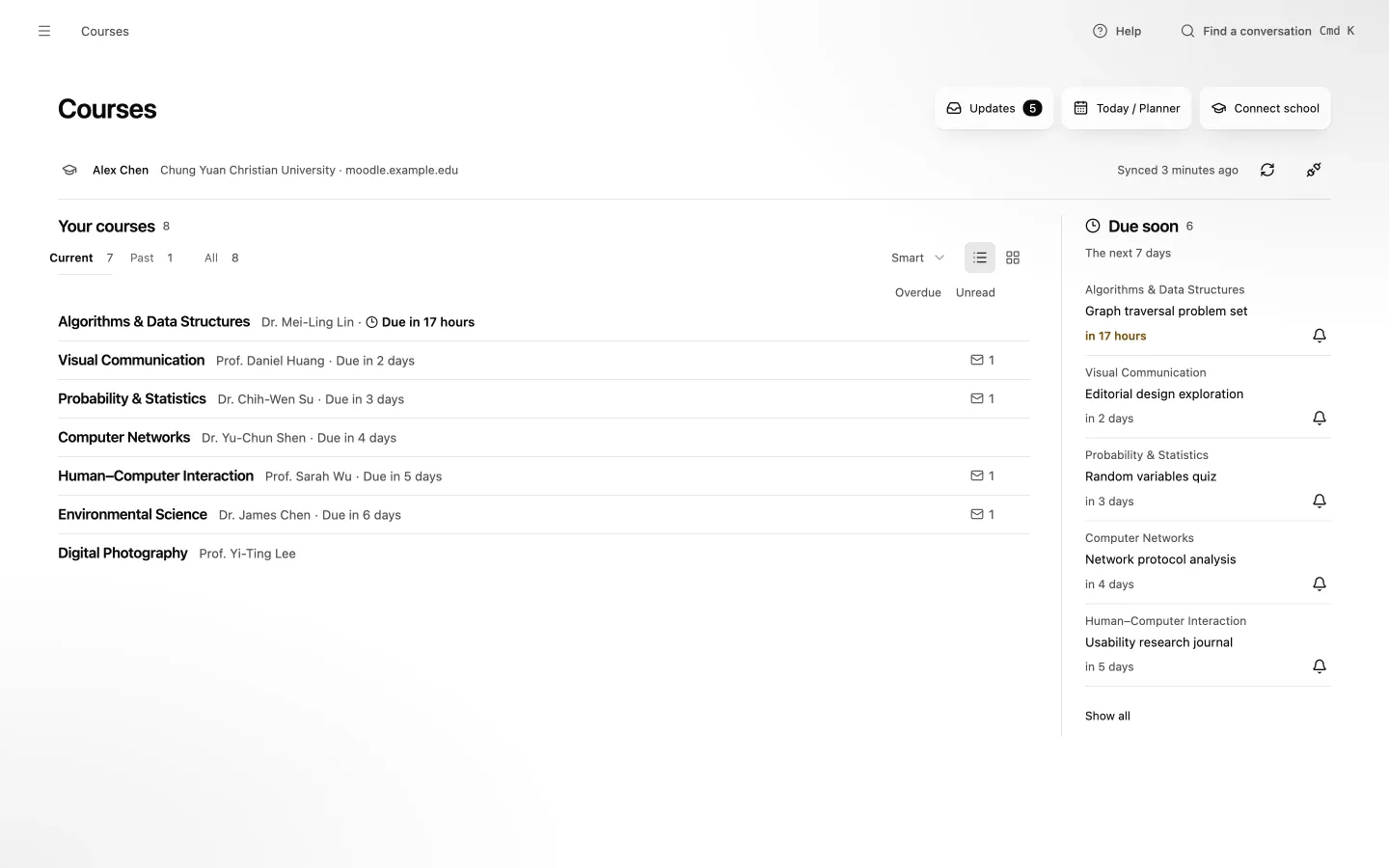
Your Moodle courses, deadlines, announcements, grades, and files share one place. Saved course content stays available when your connection does not.
Explore courses and deadlines
Bring Moodle courses, study plans, and AI-assisted reading together in one calm workspace for Mac and Windows.

Your school, connected
If your school's Moodle has the mobile service switched on, you can sign in with your school account.
Your school runs Moodle
Open VStudy Pro and choose Connect school
Sign in with your school account. Your courses appear.
Availability depends on each school's settings. First tested with CYCU in Taiwan.
Your Moodle courses, deadlines, announcements, grades, and files share one place. Saved course content stays available when your connection does not.
Explore courses and deadlines
Ask the course agent to break down an assignment or plan exam preparation. It proposes tasks, study blocks, and reminders. You review the details before anything changes.
Understand the approval modelReview the proposed plan
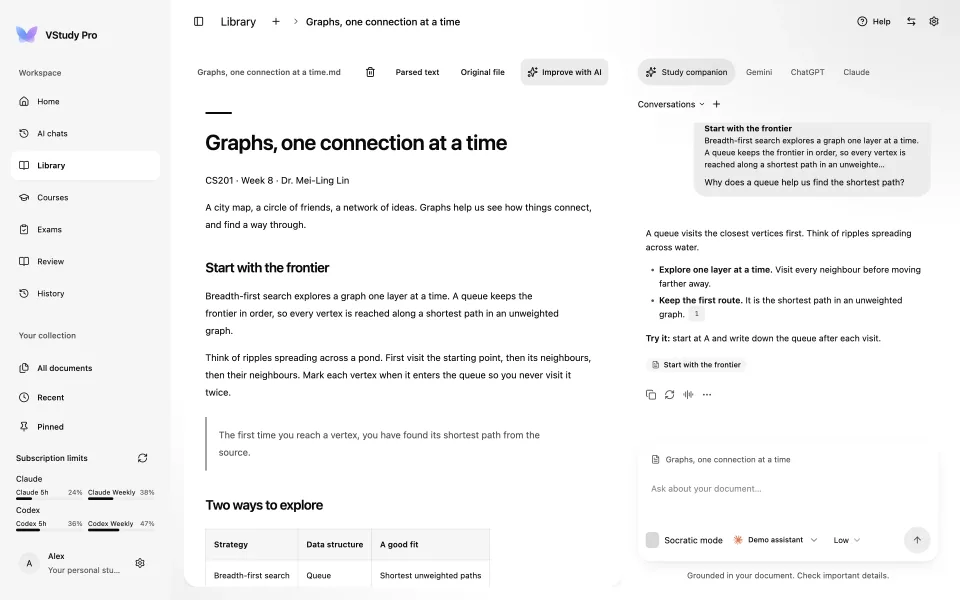
Search across chats. Filter by course, document, role, or date.
DocsFind the conversation againWhy does breadth-first search find the shortest path?
graph traversal · MoodleNo example matches. Try “graph”.
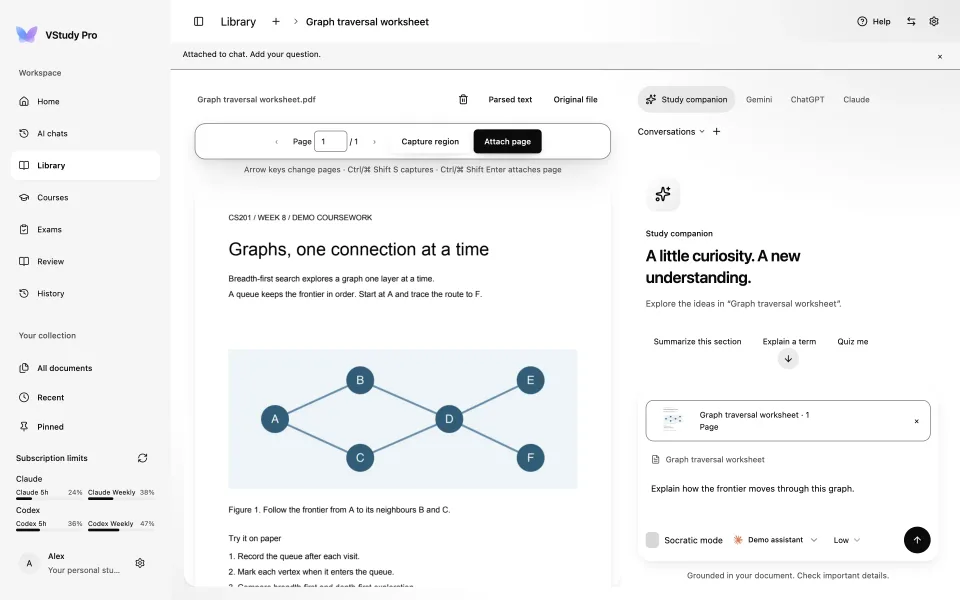
Read parsed text with its figures, inspect the original page, or attach a page or region to chat. Select passages and follow citations back to the reading.
Read with AI
PDF, Word, slides, spreadsheets, Markdown, and more. Scanned PDFs need OCR elsewhere.
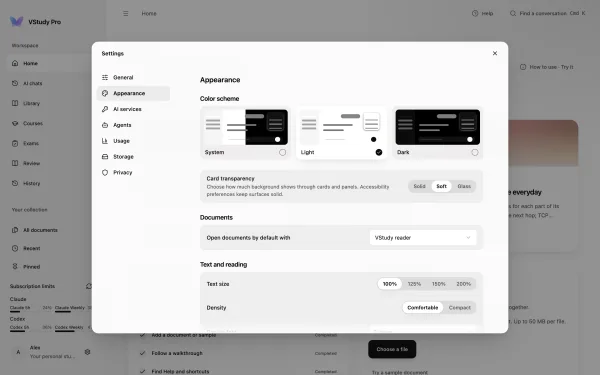
Nine theme packs, each light and dark. Choose Solid, Soft, or Glass cards, reading size, language, and whether files open in the reader or a system app.
Six real app previews, light and dark. Select a pack to compare it and preview this page.

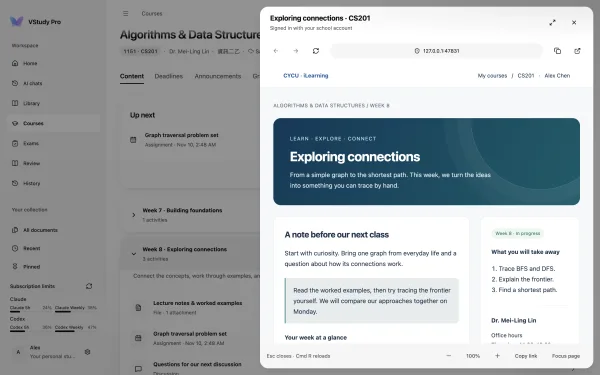
Open supported school pages inside isolated, account-scoped views.
DocsKeep Moodle in context
Attach an original page or a region, then ask an image-capable model. You choose when to send.
Read with AI
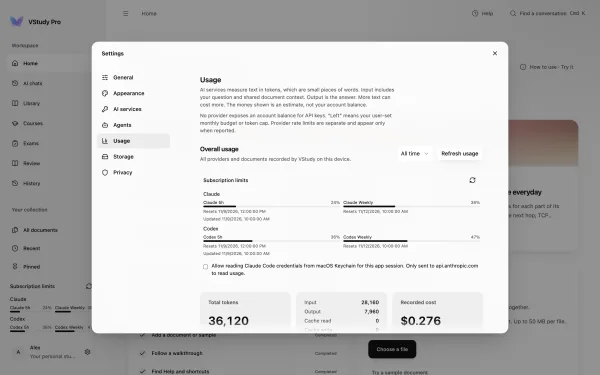
See reported subscription windows in the sidebar. Set monthly USD and token budgets in Usage.
Docs · Keep usage in view.
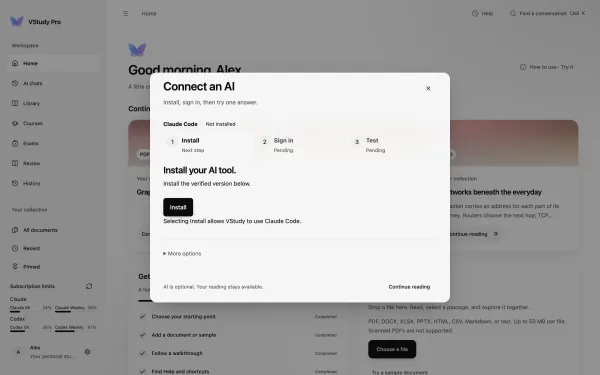
Install, sign in, and test. More options holds provider choices; API keys stay in Settings.
Docs · Connect an AI, one step at a time.
Connect external AI agents to Moodle coursework with scoped local grants and approval for every write.
Permission-based accessConnect a provider, then choose a model available to your account or endpoint. AI is optional. Bring your own access; provider terms and charges apply.
Provider setup and privacyAPI key
Your prompts and selected context go to the provider.
API key
Your prompts and selected context go to the provider.
Any OpenAI-compatible endpoint, including local
Your prompts go to the endpoint you configure. Its privacy settings apply.
Uses your CLI sign-in
The CLI handles your prompts under its own network and privacy settings.
Uses your CLI sign-in
macOS only · verified CLI version required
The CLI handles your prompts under its own network and privacy settings.
Uses your CLI sign-in
The CLI handles your prompts under its own network and privacy settings.
Product names and logos are trademarks of their respective owners. VStudy Pro is not affiliated with or endorsed by them.
Open the sample document. Choose your language and a theme that feels right.
Connect your school’s Moodle or import your own readings. Start with either.
See deadlines, ask questions, and review a study plan before you approve it.
Documents, conversations, and study plans stay in local storage. No VStudy account and no automatic device sync. Optional analytics are off unless you turn them on, and they never include your questions or documents.
See what leaves your computerAI is your choice. When enabled, your provider receives your question and relevant reading context. Connecting Moodle contacts your school.
No. Read documents, browse saved coursework, and manage your planner without an AI provider. AI features need an enabled provider and a network connection.
VStudy accepts public HTTPS Moodle sites. Your school must enable compatible mobile web services. Search the bundled directory or enter your Moodle URL. Some schools restrict third-party access.
Local readings, conversations, plans, and previously saved course content remain on your Mac. New Moodle content and AI responses require a connection. Markdown and text import work without the Python converter.
Download opens a page that lists every installer and recommends the one for your device. Checksums and release notes are there too. If a file is missing, check the latest published release.
Unsigned builds may trigger Gatekeeper on Mac or SmartScreen on Windows. Verify the file and source before continuing. The installation guide explains both systems and signed releases.
Yes. Open Settings > Agents to connect a supported MCP client, compare the pairing code, and select accounts and scopes. Writes require approval inside VStudy.
Start with a reading. Bring the rest of your semester when you are ready.
Download