Chat history search
Find past answers across document, course, and general conversations.
Find a conversation
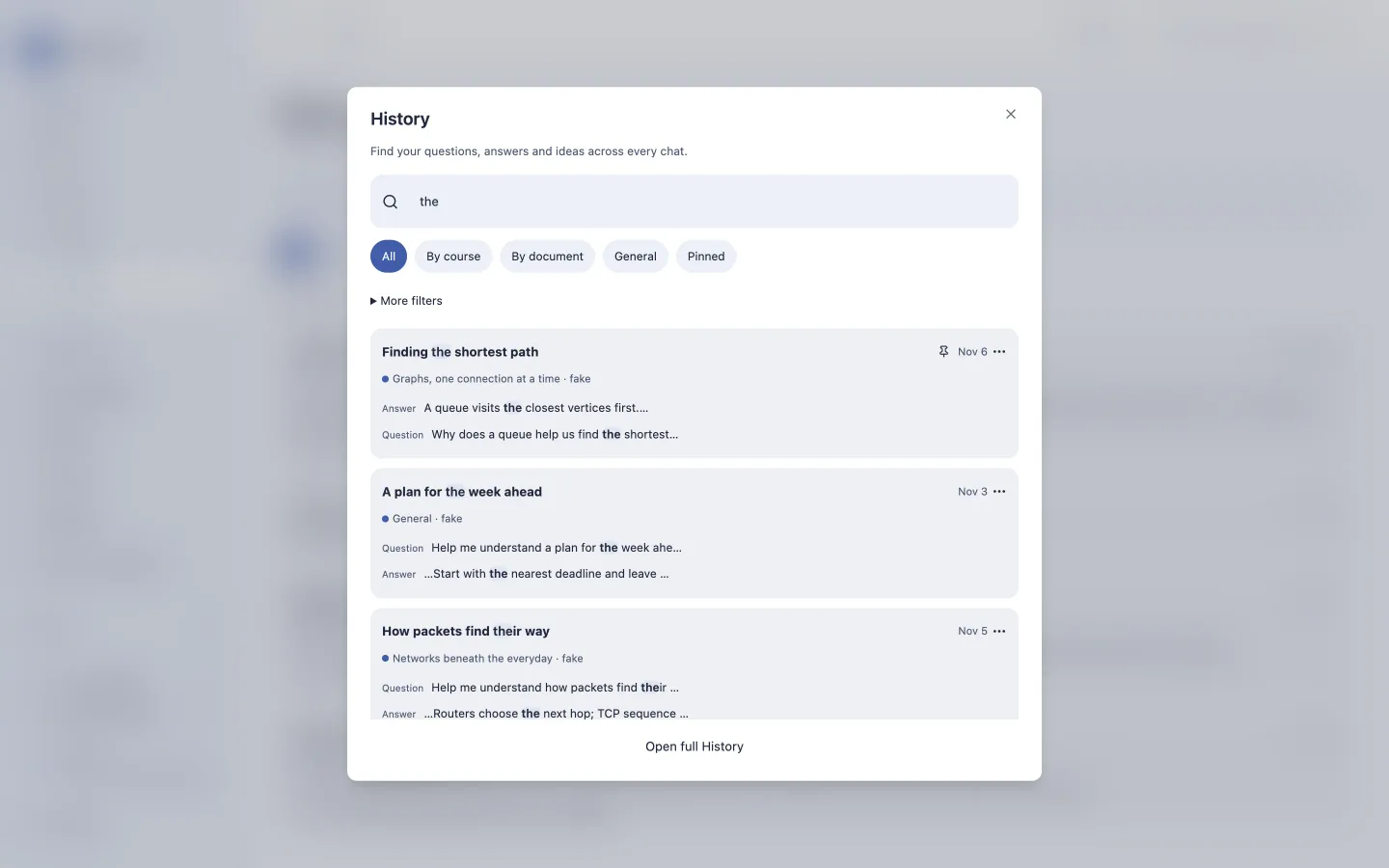
Open History, or press Cmd/Ctrl+K for the quick finder. Search titles and message text across your conversations. Narrow results by course, document, scope, role, or date.
Open a result to return to the conversation. Pin important chats, give them useful titles, or archive finished threads. Deleting a conversation also removes its messages.
Search stays local
History uses a local SQLite full-text index. It does not send search queries to an AI provider. Superseded messages do not enter active search or prompt history.
History is not automatic device sync. Export a portable backup before moving to a different installation. Backups contain private conversation content, so store them securely.