Themes
Change the whole workspace, with light and dark versions of every pack.
Choose a theme pack
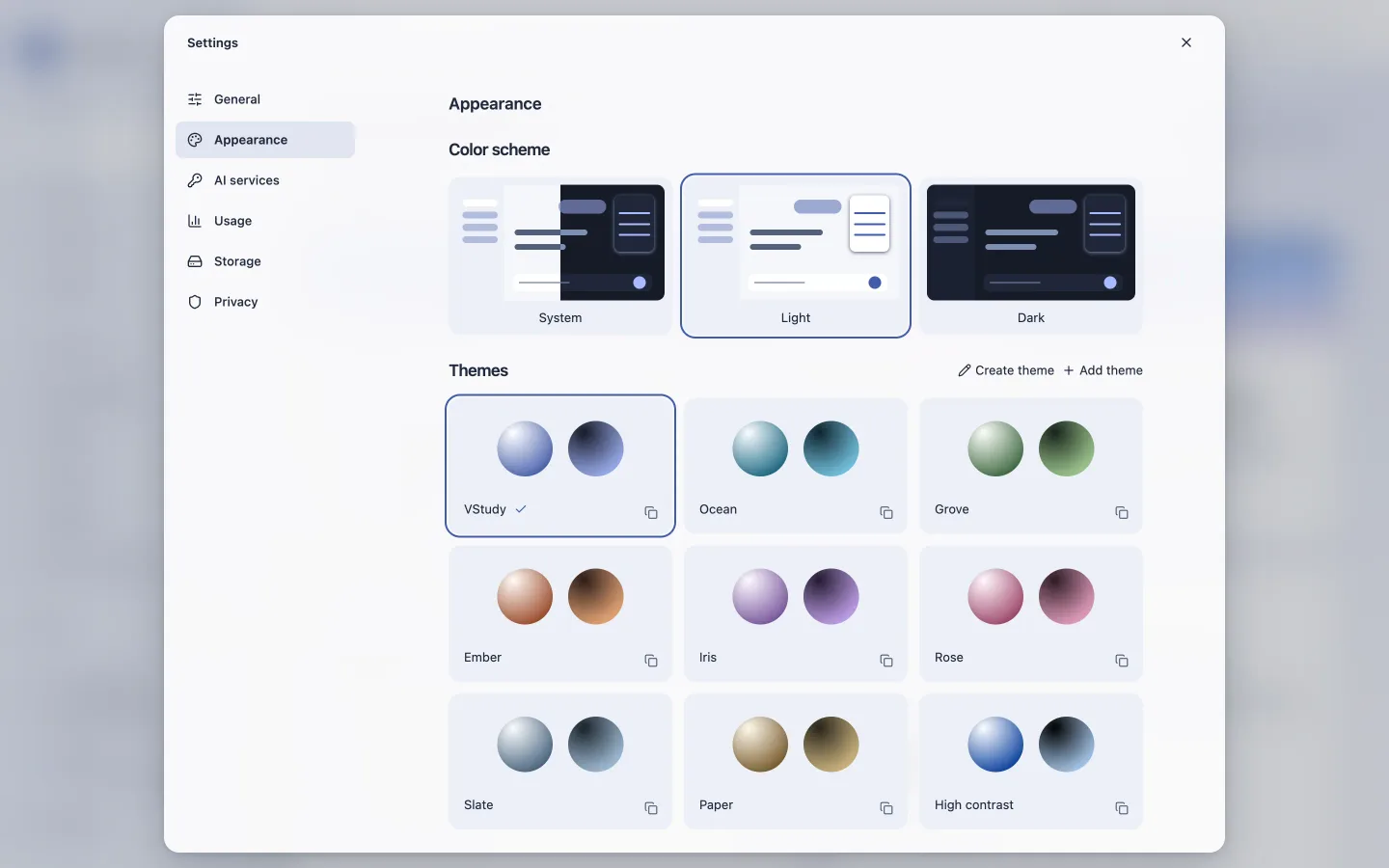
Open Settings > Appearance. VStudy, Ocean, Grove, Ember, Iris, Rose, Slate, Paper, and High contrast each include complete light and dark palettes. The two preview orbs show both versions.
System follows your Mac’s color scheme. Light and Dark override it. Theme packs change the whole interface and native window colors. Contrast and glass opacity are separate preferences.
Import or export a pack
Appearance supports custom pack editing and JSON import and export. Imported colors must be opaque six-digit hex values. Packs cannot contain CSS, URLs, scripts, unknown fields, or built-in IDs. Imports are limited to 32 KB and up to 30 unique custom packs.
The editor previews both variants and reports contrast warnings. Cancel restores your saved appearance. Solid material and reduced-transparency settings override glass effects.